
How to Convert TikTok Audio to MP3 for Free
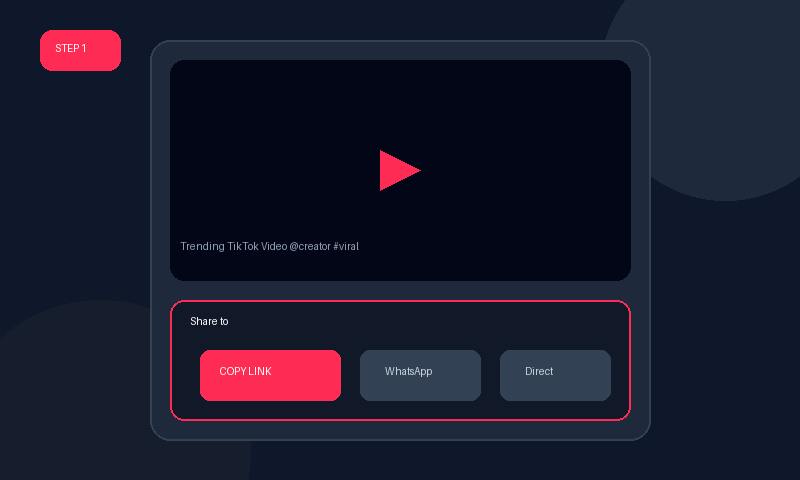
Millions of original music mashups, lo-fi beats, speeches, and viral sound effects originate exclusively on TikTok. If you have been wondering how to convert tiktok audio to mp3 or how to convert tiktok video to mp3 without complicated editing software, Tiknology is your ideal solution.
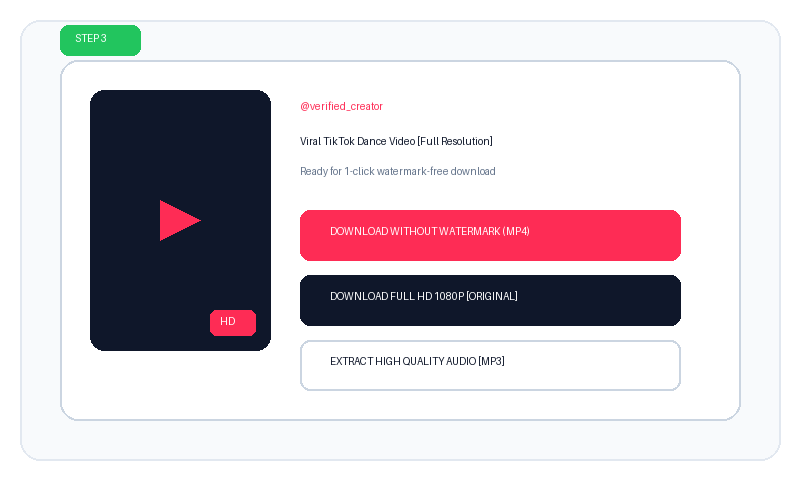
Our backend audio processor isolates the primary AAC and MP3 audio stream from the video container without transcoding loss, giving you studio-grade sound fidelity suitable for ringtones, background audio, or creative remixing.
Why Choose Tiknology Over Tools Like Kapwing?
Many creators search for a tiktok to mp3 converter kapwing. While Kapwing is a respected video editor, it requires users to create an account, wait for lengthy project rendering in the cloud, and often places restrictive time limits on free exports.
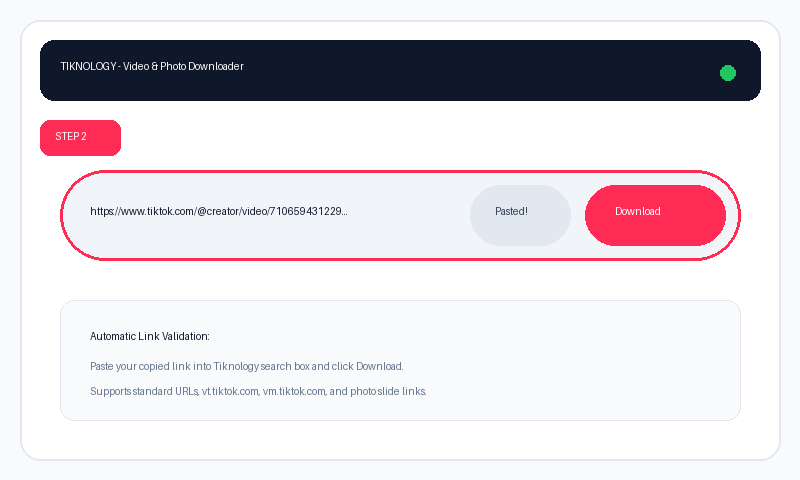
In contrast, Tiknology is a dedicated tiktok to mp3 converter -- free that operates instantaneously. There is no software to install, no sign-up wall, and zero waiting queues. Simply paste the link and download your MP3 within two seconds.
How to Import MP3 to TikTok (Creator Guide)
Once you download your high quality MP3, you might want to know how to import mp3 to tiktok for your own new videos:
- Download your MP3: Use Tiknology to save your favorite soundtrack.
- Import into CapCut or InShot: Open a free mobile video editor like CapCut (official ByteDance editor) or InShot.
- Add Custom Audio: Tap "Audio" → "Sounds" → "From Device" and select your downloaded MP3 file.
- Export & Share to TikTok: Export your completed video with the custom audio track and publish it directly to TikTok as your own "Original Sound".
Audio Specs & Features:
- Bitrates Supported: 128kbps, 192kbps, and up to 320kbps high quality audio streams.
- Universal Audio Format: Standard .mp3 format compatible with Spotify Local Files, Apple Music, and all media players.
- Batch Compatible: Convert as many TikTok audio links as you wish with zero limits.